Booking.com Reviews without scraping
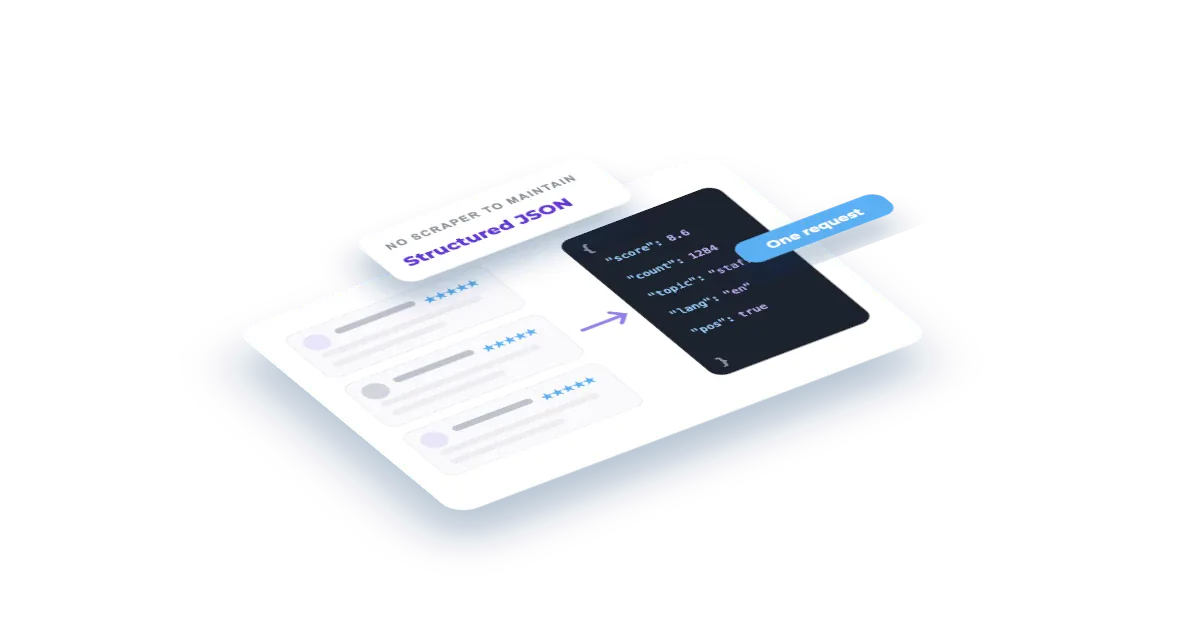
Everyone who has scraped reviews has also maintained the scraper: the selectors break, the pagination changes, the blocks arrive. This recipe returns the reviews as structured JSON from an endpoint, so there is nothing to maintain.
What you'll build
A review feed you can drop into a back office: the latest reviews with their score, date and text, filterable and ready to push into whatever you already use for guest feedback.
Set this up first
RequiredThe endpoints don't take free text — they take your identifiers. This recipe assumes the things below already exist on your account; while one of them is missing, the call answers with an error or with less than you expect. Each point links to the recipe that walks it.
- 01
Register the hotel in your dashboard
Veetal resolves the property against Booking.com and assigns it a slug — and that slug, not the hotel name, is what every accommodation endpoint takes.
Guide: Add your hotel and the comp set you price against →
How it works
- 01
Get your API key
Create your account and copy your key. Start free with 1,000 API credits.
- 02
Identify the hotel
Real-time endpoints take a reference type and an identifier: the slug of a hotel on your account (accommodation), or the Booking.com hotel id of any other hotel (booking-id).
- 03
Read the reviews
One call returns the reviews as JSON. It is a live call, so expect it to take a few seconds and to consume credits.
The call
One request returns the latest 100 reviews as structured JSON; add limit (up to 1,000) for more. Swap in your hotel slug and your key.
curl "https://api.veetal.app/v3/real-time/accommodation/YOUR_HOTEL_SLUG/reviews/booking" \
  -H "veetal-api-key: YOUR_API_KEY"
Build it with AI
Connect the MCP →Paste this prompt into an assistant with the Veetal MCP connected and it builds the whole app against your data — no front-end work.
Use my Veetal Connect data to build a review reader for a hotel.

I want to read that hotel's Booking.com guest reviews live, without scraping anything: score,
date and text, newest first. Work out what data you need and fetch it.

Build it as a single self-contained HTML page, plain HTML and CSS:

- A list of reviews, newest first, each showing the score, the date and the text. Booking.com splits the text into title, positive_text and negative_text: show all three, and mark the reviews that carry a score but no text.
- Filters for score band, so I can read the bad ones on their own.
- A header with the hotel's total review count, how many reviews were returned and the average score of those returned.
- Show the reviews exactly as returned; do not summarise or rewrite them.

Clean and easy to skim, works in light and dark.
Questions
Why not just scrape it?
Because you then own the scraper: the selectors, the pagination, the rate limits and the day it silently starts returning nothing. This is an endpoint that returns structured JSON.
Does it consume credits?
Yes: about 1.18 credits per request, however many reviews you ask for. Repeating an identical request while it is cached costs nothing, and errors are not billed. Unlike a Feed dataset, nothing has to be imported first.
Can I get the rating scores instead of the text?
Yes. The Booking.com reputation endpoint returns the score, the review count and the category breakdown in one live call, at the same price and faster. To compare them with your comp set on every OTA, use the Reputation Pulse recipe.
Which sites are covered?
Booking.com, and through sibling endpoints Expedia, Hotels.com, TripAdvisor, Google and Agoda, with a similar review format. Check the API reference for the current list.
Build your own
Start free with 1,000 API credits. No credit card, no sales call.
What do you want to build with reviews?
Say it in one line and we hand you back the prompt, the recipe if one already exists, and the APIs it runs on — starting with reviews.