Build something real with travel data
Each recipe is a practical build on live Veetal data: what it is for, the exact call that powers it, and a working example you can open.
Paste the prompt into an assistant with the Veetal MCP connected. Nothing to install.
Clone the folder and run it.
Follow the step-by-step walkthrough in the dashboard and the API. Nothing to clone.
Event Demand Radar
Every event that will move hotel demand in a city, with roomnights, pressure and booking window.
View recipe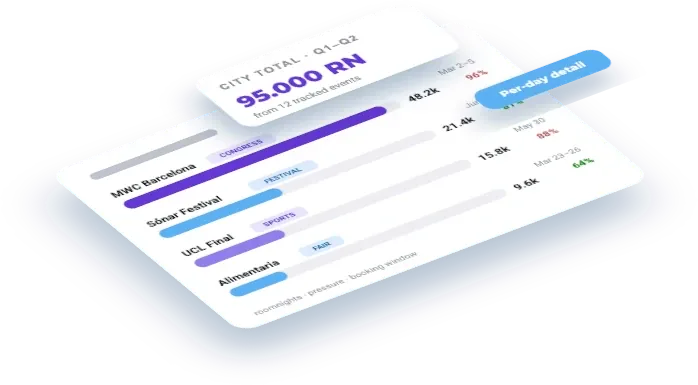

Add your hotel and the comp set you price against
The hotel is half the setup. Without the competitors attached, every rate, parity and reputation answer comes back about you alone — which is a price list, not a comparison.
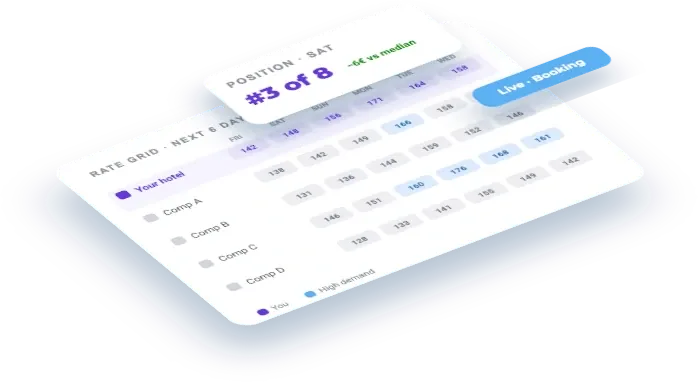
Competitor Rate Grid
The classic rate-shopping grid: your hotel against its comp set, live from Booking.com.
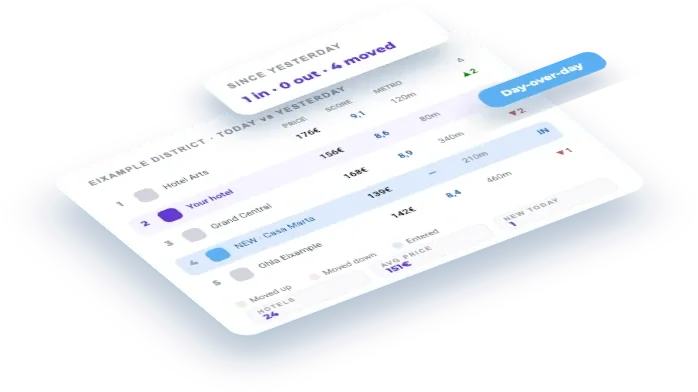
Map a micro-market and watch it move
Read every hotel listed in a district — price, rank, score, distance to the metro — and diff two days to see who entered the listing, who vanished and who moved.
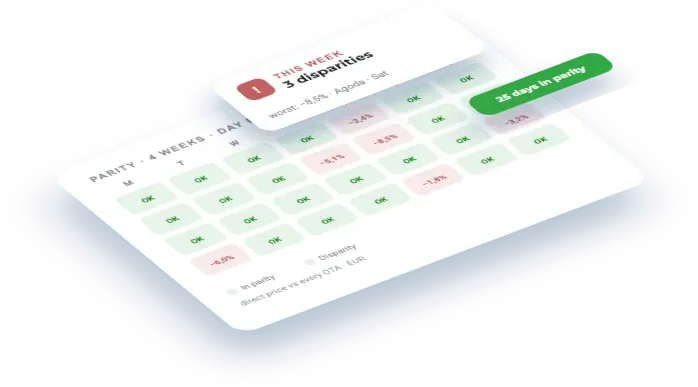
Rate Parity Monitor
Spot where your rate breaks parity across OTAs versus your direct price.
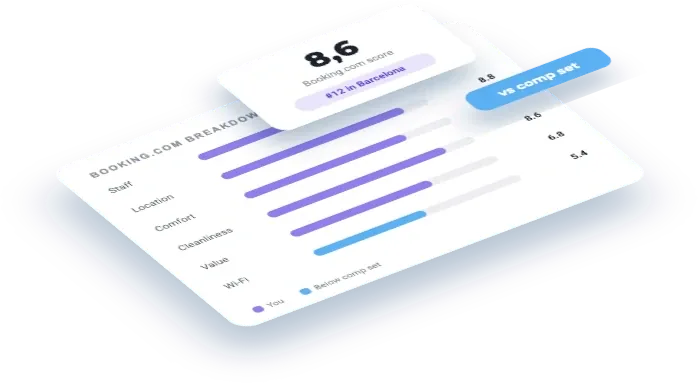
Reputation Pulse
Your guest score, review volume and category breakdown across every OTA, against your comp set.
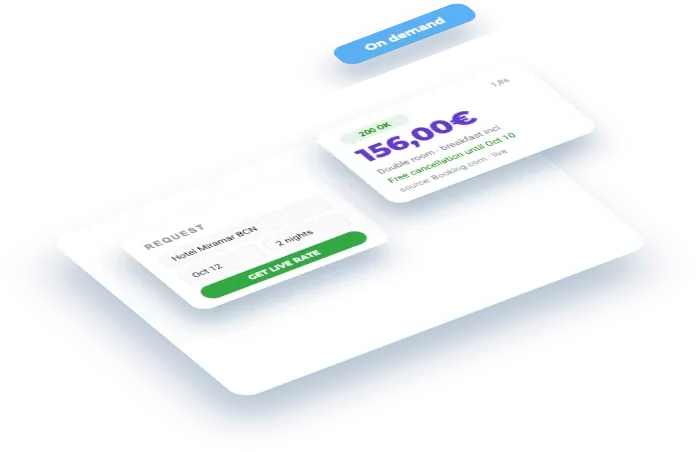
Live Rate-Shopper
Fetch a live Booking.com rate for a hotel and stay, on demand.

Booking.com Reviews without scraping
Pull a hotel's Booking.com reviews as structured JSON — no scraper to maintain.

Add a route and watch what it costs to fly in
People book the flight before the room. Register the trips your guests arrive on, for the dates you care about, put them on a daily import and you get the fare re-priced every day — a demand signal that moves before your own pace does.
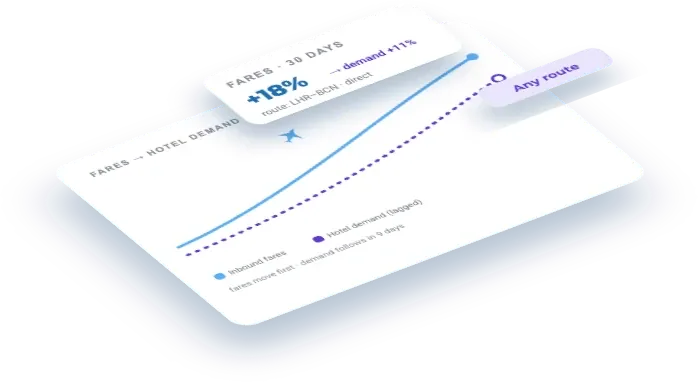
Flight-Demand Forecast
Inbound flight rates as a leading indicator of hotel demand.
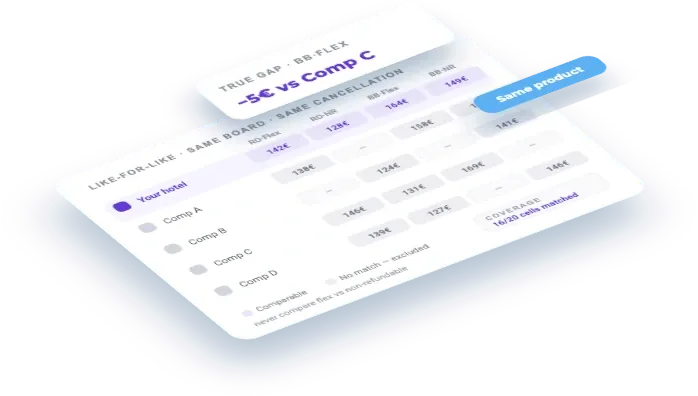
Rate shopping, like for like
Compare your comp set product by product — same board, same cancellation policy — instead of the cheapest-rate-per-hotel table that quietly puts your flexible rate against someone else's non-refundable.
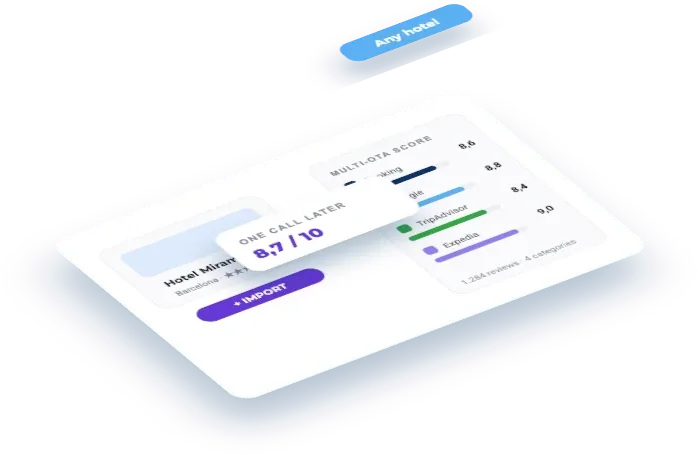
Import a hotel's reputation from Booking
Take any hotel from Booking, add it to Veetal and pull its multi-OTA reputation — score, review count and category breakdown from Booking.com, Tripadvisor and Google — ready to read over the API.
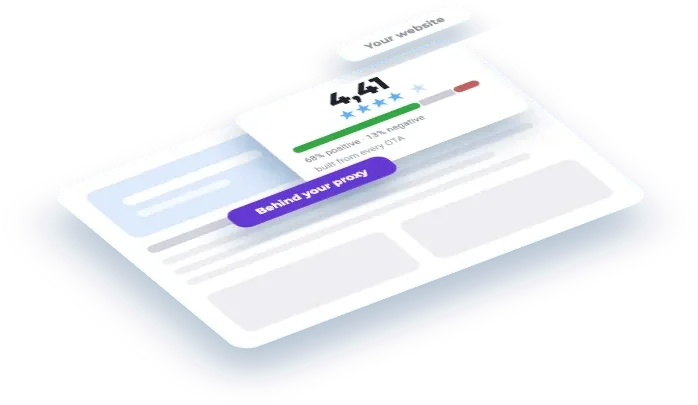
Put a reputation panel on your own website
One score built from every OTA your hotel is listed on, the sentiment split behind it, and which categories are actually moving — rendered on your own site, behind a proxy that keeps your API key private.
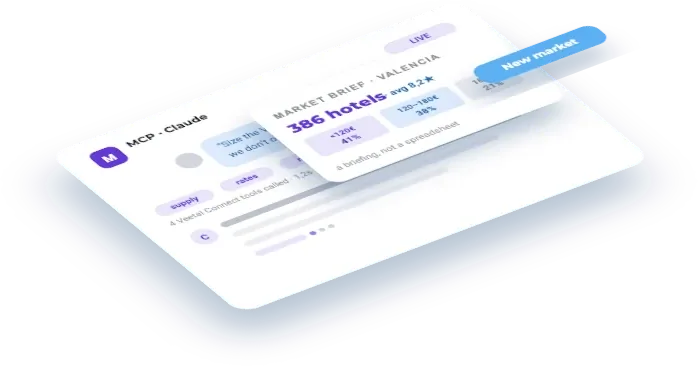
Scope a new market before you commit to it
Ask your assistant to size up a city you do not operate in yet — supply, price bands, review scores, who is winning — and get the answer as a briefing, not a spreadsheet.
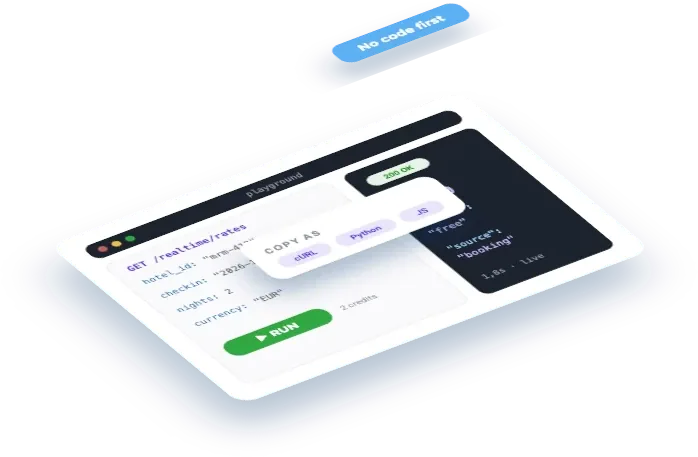
Run your first real-time call from the playground
Run a live Booking.com rate call from the dashboard playground, read the response, and copy the same request into Postman or your own code without writing a line of it yourself.
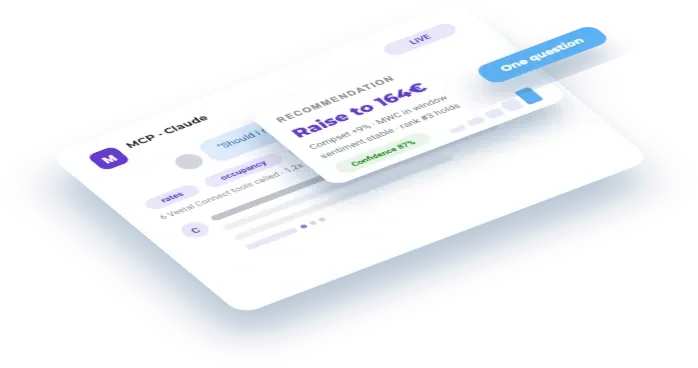
Ask one question that crosses every dataset
Rate, occupancy, comp-set price, review sentiment, rank and the city’s event calendar answer the same question at once, under one key, in one conversation.
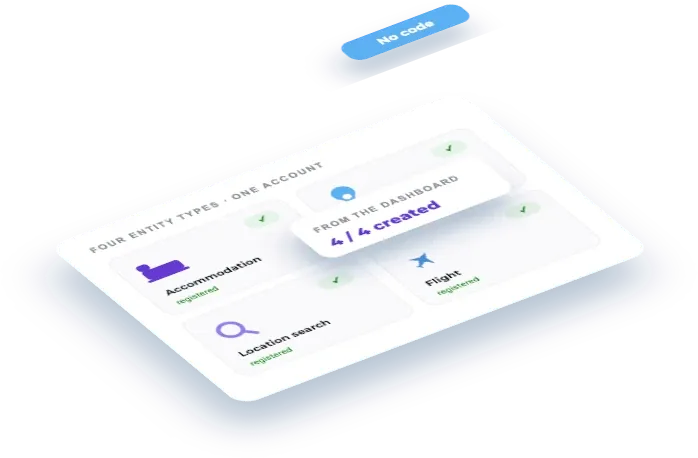
Register the four entity types on your account
Create an accommodation, a location, a location search and a flight from the dashboard — the four things every Feed and Real Time endpoint asks you to point at, and what each one is actually for.
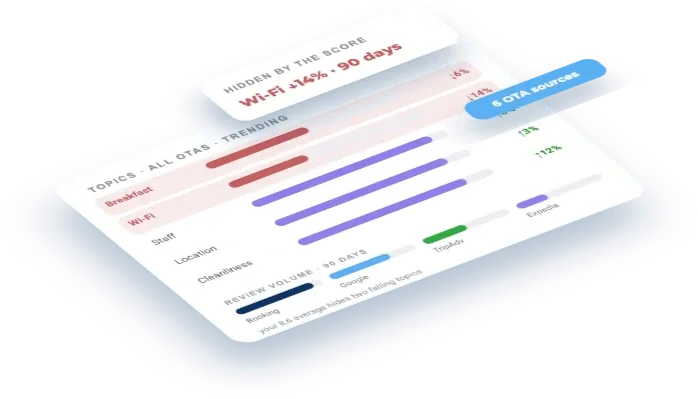
Find out what guests actually complain about
Read every review across every OTA at once and ask what the recurring themes are, which are getting worse, and which of them your score is hiding.
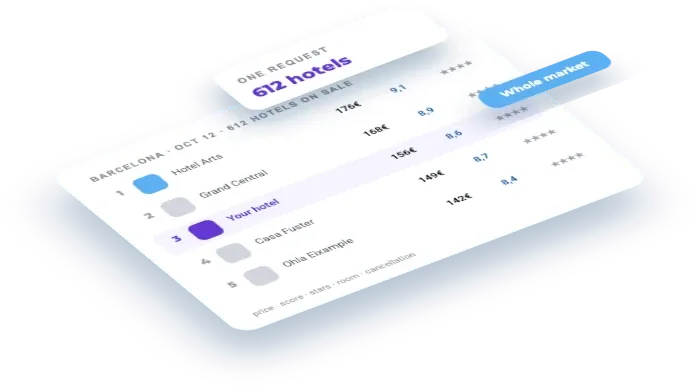
Track the whole hotel market of a destination
One request returns every hotel on sale in a destination for a given night — price, score, stars, room type and cancellation — instead of asking hotel by hotel. 192 properties for 0,32 credits.
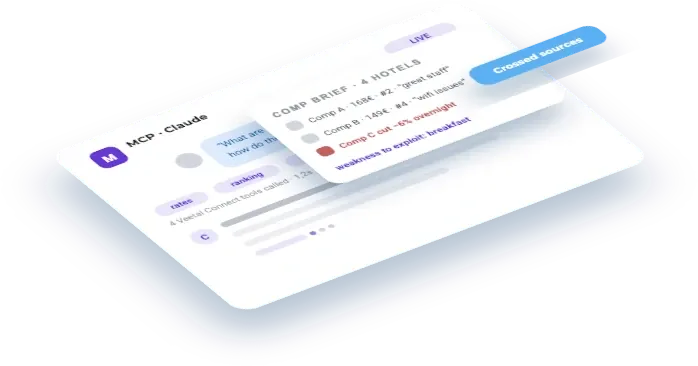
Watch your comp set before it shows up in the report
What your competitors charge, how they rank and what their guests write — crossed in one question, so a gap surfaces the day it opens rather than in next week’s report.
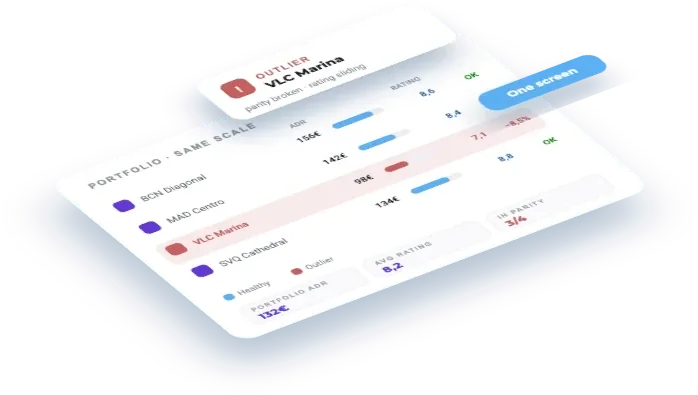
Compare ADR across your whole portfolio
ADR for every hotel in the portfolio over the same nights, against the portfolio median — with the coverage gaps, product mix and import differences that make two lines less comparable than they look.
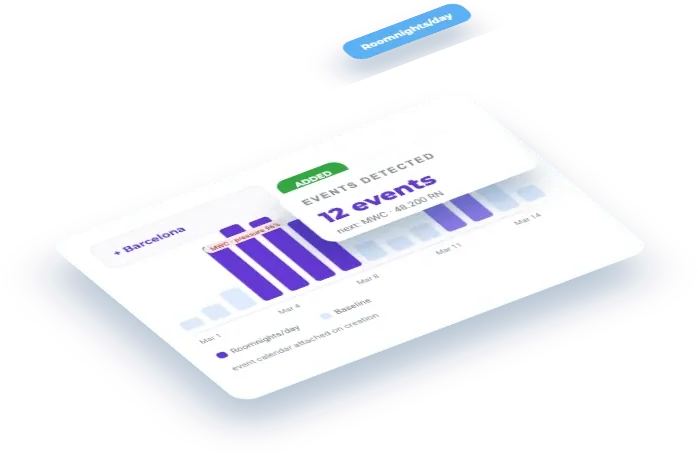
Add a city and see the demand its events will create
Register Barcelona as a location and read its event calendar with hotel demand attached: roomnights per day, pressure against the city's 40,000 rooms, and which ring of the city those rooms sit in.
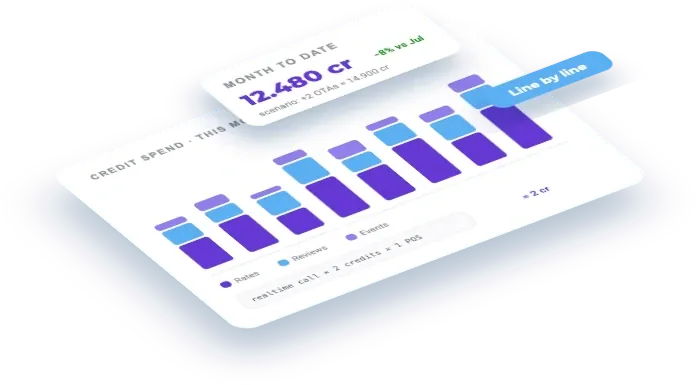
Control what you spend in credits
Answer what you spent, why a given line cost what it cost, and what a new scenario would cost — with the formula behind each line and the dialog that shows its factors.
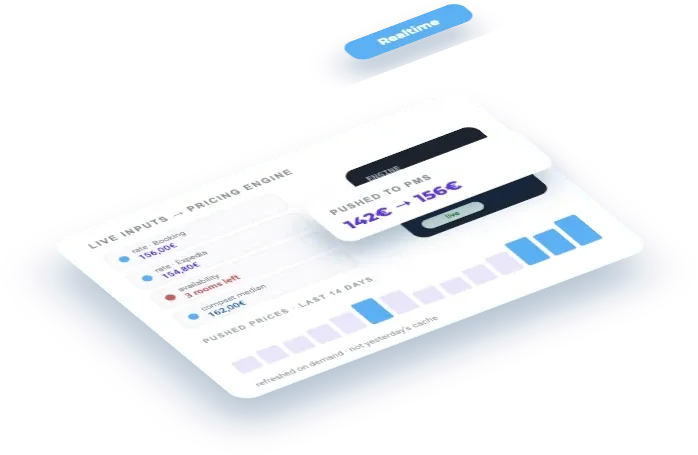
Feed live rates into your pricing engine
Live rates and availability, on demand, so your pricing reacts on the day demand shifts instead of the morning after the extraction.
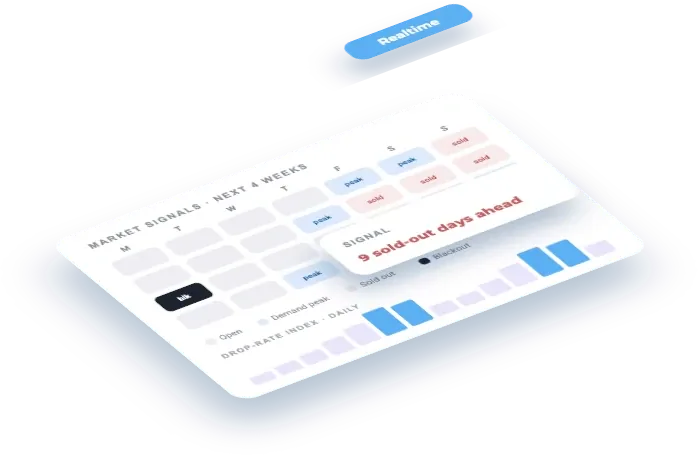
Read the sold-out signals before your comp set does
Sold-out dates, blackout nights and demand spikes across the market — the pace signals your operators can see and you usually cannot.

Hotel Prospecting List
Paste one prompt, name a zone, and get every hotel Booking.com lists there as a CSV: category, address, coordinates, rating and reviews. Built for sales teams that sell to hotels.
What do you want to build?
Say it in one line and we hand you back the prompt for our MCP, the recipe that already builds it, and the APIs it runs on.
