Flight-Demand Forecast
People book the flight before the room. This recipe reads the stored flight rates for a route you track — airline, times, stops, baggage and CO2 per flight — so you can read inbound pressure before it shows up in your own pickup.
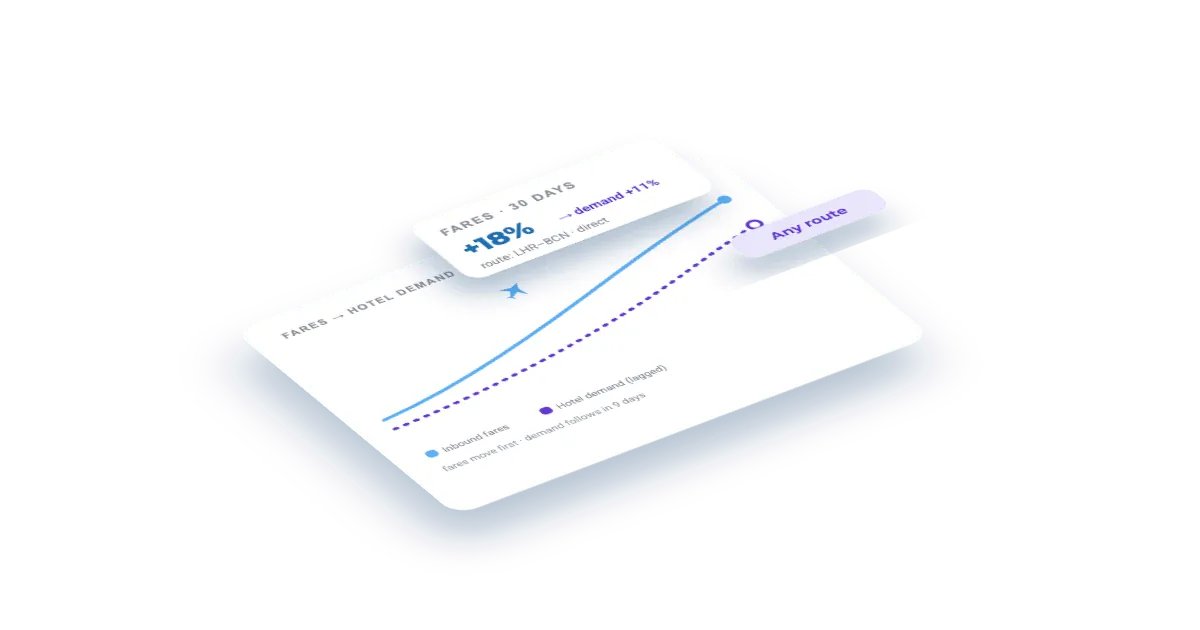
What you'll build
An inbound demand view for a route: fares over time with the cheapest option per day, so a rising floor price tells you demand is tightening while there is still time to price for it.
Set this up first
RequiredThe endpoints don't take free text — they take your identifiers. This recipe assumes the things below already exist on your account; while one of them is missing, the call answers with an error or with less than you expect. Each point links to the recipe that walks it.
- 01
Register the route as a flight
Airports, trip type and dates, plus language and country — the point of sale whose prices you want, which is not the route.
Guide: Add a route and watch what it costs to fly in → - 02
Run one import on the route
A Feed dataset only contains what an import has written. Activate the flight rates API on the route and launch the first run; until it finishes, the feed answers empty.
To see whether an import has already finished, list them:
curl "https://api.veetal.app/v3/account/imports" \
  -H "veetal-api-key: YOUR_API_KEY"
Feed reads are not billed per request. The credits go on the imports that collect the data, which is why the estimate appears before you launch and not after.
How it works
- 01
Get your API key
Create your account and copy your key. Start free with 1,000 API credits.
- 02
Pick your route
List the flight entities configured on your account and copy the id of the route you want to read.
- 03
Read the fares
One call returns the stored flights for that route, one-way or round-trip, with airline, times, stops, baggage and CO2.
The call
One request returns the stored flights for that route, with fares, airline, times and stops. Swap in your flight id and your key.
curl "https://api.veetal.app/v2/feed/flight/YOUR_FLIGHT_ID/rates" \
  -H "veetal-api-key: YOUR_API_KEY"
Build it with AI
Connect the MCP →Paste this prompt into an assistant with the Veetal MCP connected and it builds the whole app against your data — no front-end work.
Use my Veetal Connect data to build an inbound flight demand view for a
route I track.

I want to use flight fares as an early signal of hotel demand: when the
cheapest fare into my city starts climbing, demand is tightening. Work out what
data you need and fetch it.

Build it as a single self-contained HTML page, plain HTML and CSS:

- The cheapest fare per departure date, as a simple bar or line built with CSS
  only — no charting library.
- Under it, the flights behind the cheapest fare: airline, times, stops and
  baggage.
- Highlight the dates where the cheapest fare is well above the period's median,
  since those are the tight ones.
- Show CO2 per flight when the data carries it.
- Leave a date out when there is no fare for it rather than interpolating.

Clean and readable, works in light and dark.
Questions
How is a flight route configured?
As a flight entity on your account, with origin and destination airports, dates and passengers. Its id is what this endpoint reads.
One-way or round-trip?
Both. A one-way route returns a single list of flights; a round-trip returns outbound and return lists separately.
Why does this predict hotel demand?
Because the flight is usually booked first. A rising floor fare into a city is inbound pressure that has not yet reached your pickup, which is exactly when pricing decisions are still cheap to make.
Is it live?
No, this is the stored Feed layer, refreshed on your account schedule. There is a real-time flight rates endpoint when you need the fare at this second.
Build your own
Start free with 1,000 API credits. No credit card, no sales call.
What do you want to build with flight rates?
Say it in one line and we hand you back the prompt, the recipe if one already exists, and the APIs it runs on — starting with flight rates.
