Live Rate-Shopper
Sometimes the stored feed is not enough — you need the price on screen right now, for a specific stay. This recipe queries the live rate for a hotel, check-in, check-out and occupancy, straight from the OTA.
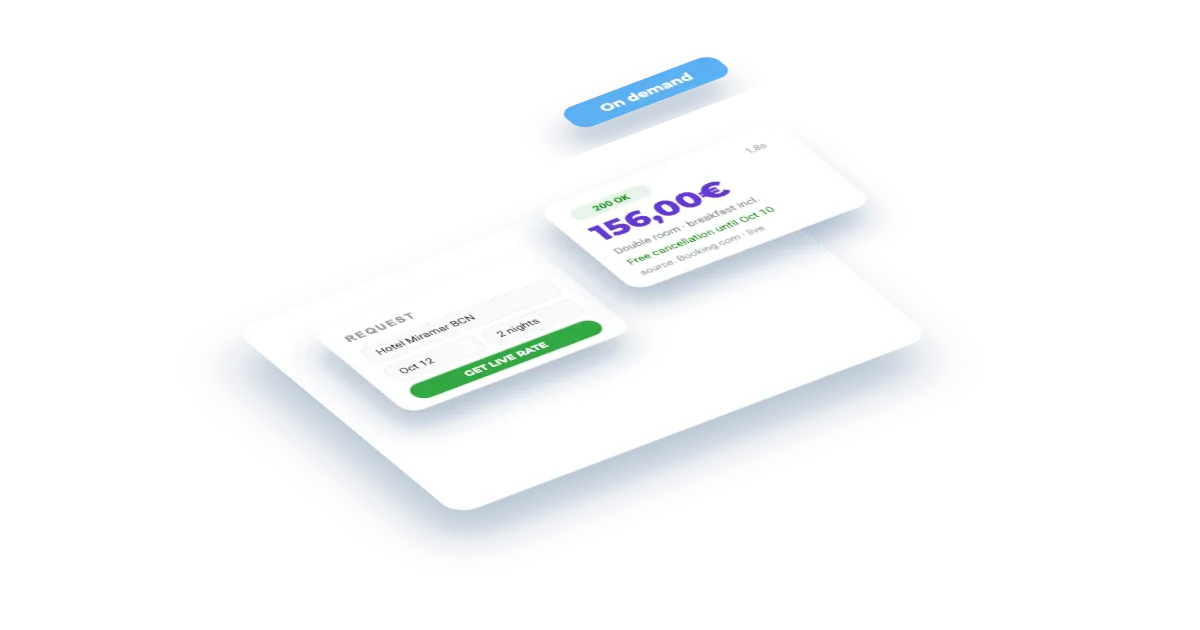
What you'll build
A small rate checker: pick a hotel, a stay and an occupancy, fire the request, and show the live rate with its room type, board and cancellation policy — plus how long the call took, so the wait is never a mystery.
Set this up first
RequiredThe endpoints don't take free text — they take your identifiers. This recipe assumes the things below already exist on your account; while one of them is missing, the call answers with an error or with less than you expect. Each point links to the recipe that walks it.
- 01
Register the hotel in your dashboard
Veetal resolves the property against Booking.com and assigns it a slug — and that slug, not the hotel name, is what every accommodation endpoint takes.
Guide: Add your hotel and the comp set you price against →
How it works
- 01
Get your API key
Create your account and copy your key. Start free with 1,000 API credits.
- 02
Pick a hotel and a stay
Take the accommodation slug from your account and choose check-in, check-out and how many adults.
- 03
Fire the live call
The request goes out to the OTA and comes back with the current rate. Expect it to take longer than a Feed read, and to consume credits.
The call
One request goes out to the OTA and returns the current rate for that stay. Swap in your hotel slug, the dates and your key.
curl "https://api.veetal.app/v2/real-time/accommodation/YOUR_HOTEL_SLUG/rate/booking/2026-09-15/2026-09-17/2" \
  -H "veetal-api-key: YOUR_API_KEY"
Build it with AI
Connect the MCP →Paste this prompt into an assistant with the Veetal MCP connected and it builds the whole app against your data — no front-end work.
Use my Veetal Connect data to build a live rate checker for one of my hotels.

I want to type a stay — check-in, check-out, number of adults — and get the
current rate back from the OTA, not a stored one. Work out what data you need
and fetch it.

Build it as a single self-contained HTML page, plain HTML and CSS:

- A small form: hotel, check-in, check-out, adults.
- A clear loading state that tells me a live request can take up to a couple of
  minutes, so the wait never looks like a hang.
- The result: rate, room type, board and cancellation policy, plus the exact
  time the rate was fetched.
- A visible message when the hotel has no availability for that stay, instead
  of an empty screen.
- Never fall back to an older or invented price.

Clean and quick to read, works in light and dark.
Questions
How is this different from the rate grid?
The grid reads the pre-processed Feed layer: a whole month, fast and cheap, refreshed on a schedule. This one goes out to the OTA for a single stay right now — slower and it consumes credits, but it is the current price.
How long does a live call take?
Real-time calls query the OTA at request time, so they are measured in seconds rather than milliseconds. Build a loading state and do not put one in a tight loop.
Which OTAs are supported?
Booking.com through this path, with sibling endpoints for Expedia and Hotels.com. See the API reference for the full list.
Can I check a hotel that is not on my account?
Real-time endpoints accept a reference type and identifier, so you are not limited to your configured accommodations the way the Feed layer is.
Build your own
Start free with 1,000 API credits. No credit card, no sales call.
What do you want to build with hotel rates?
Say it in one line and we hand you back the prompt, the recipe if one already exists, and the APIs it runs on — starting with hotel rates.
